 +39.02.7979 Bookings


ParkinGO App

Book parking at airports, ports and stations across Europe.
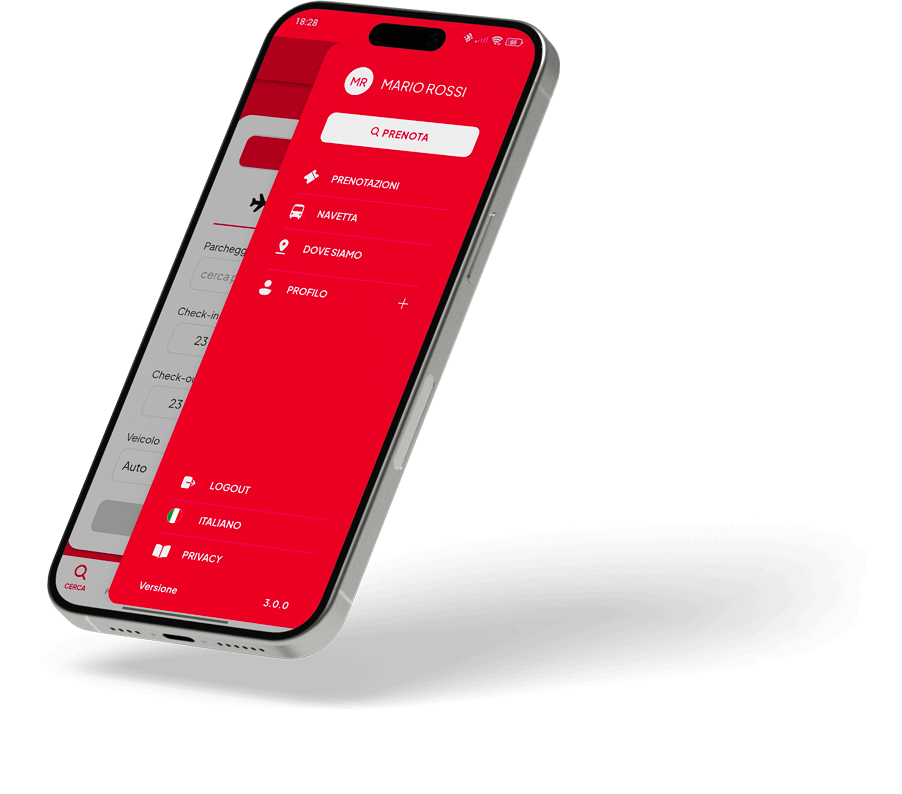
Download the ParkinGO App
All ParkinGO services at your fingertips. Use the buttons below or scan the QR code with your smartphone.
Select your store


Scan the QR code with your phone

Why choose the app?
One app, many reasons to choose ParkinGO. Discover the main benefits of the ParkinGO app and start your trip the right way.

EVERYTHING IS ALWAYS AT YOUR FINGERTIPS
All past and upcoming bookings in one place, organized and easy to consult.

SAVE YOUR PREFERENCES
Enter your details just once, then quickly recall them whenever you need.

BOOK IN A FEW SIMPLE CLICKS
With the ParkinGO app, you’re just a tap away from your next trip. Book in seconds and enjoy the journey.
How it works
Follow the steps below and step into the ParkinGO world.
-
DOWNLOAD THE APP
Download the ParkinGO app to your smartphone using the buttons or the QR code above.
-
LOG IN AND SIGN UP
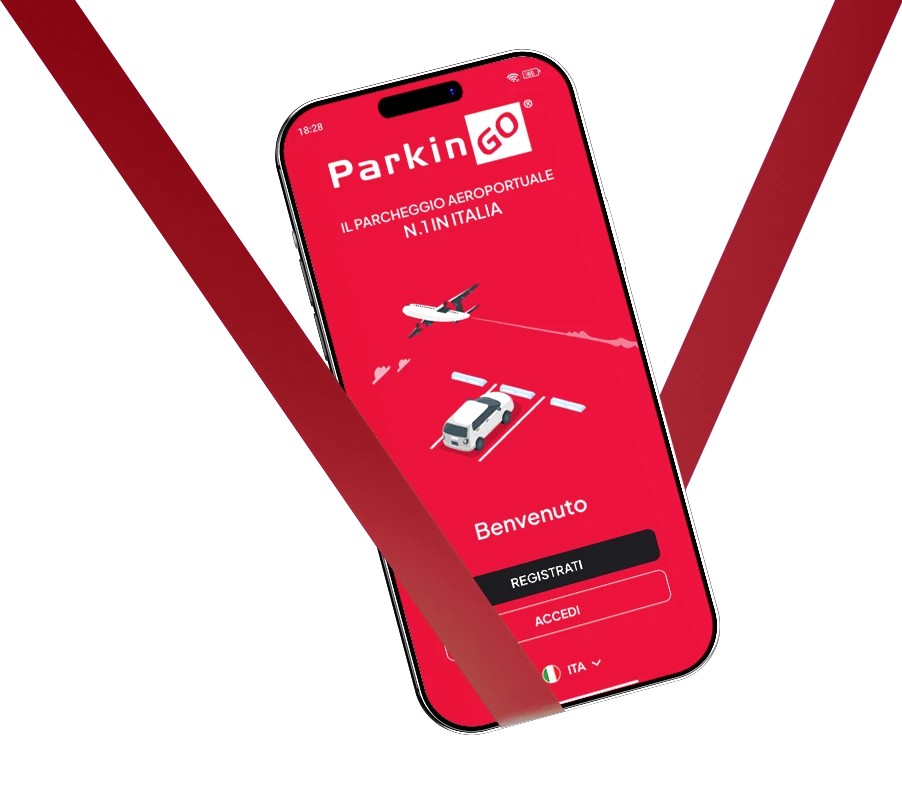
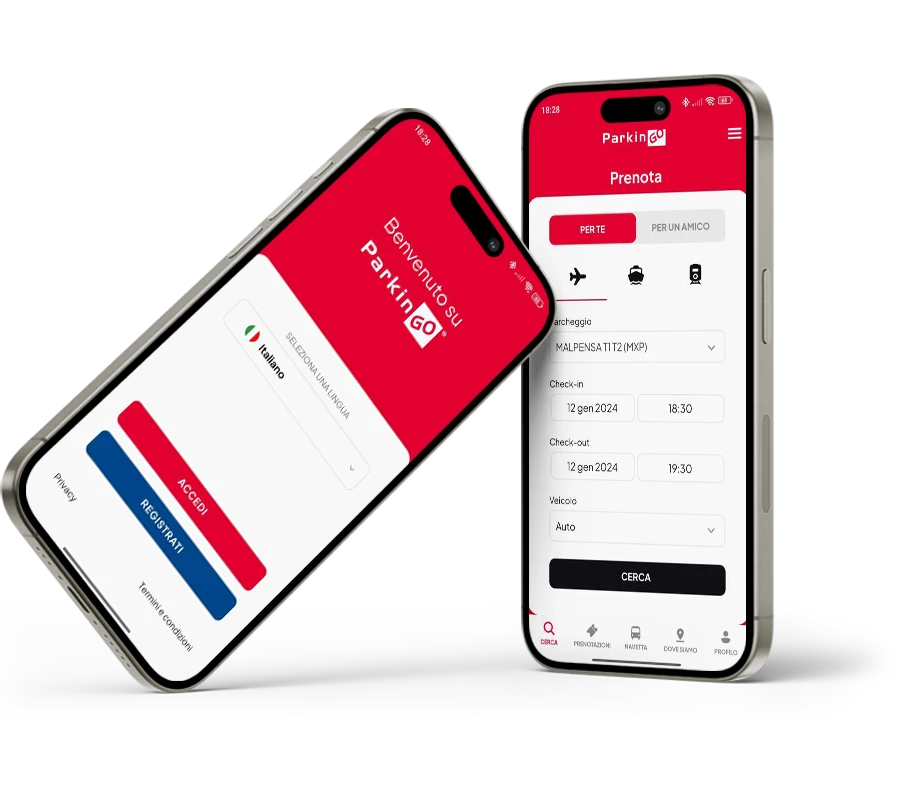
Once installed, log in with your details or sign up for the first time.
-
BOOK AND MANAGE
Make a booking or manage your upcoming parking stays.
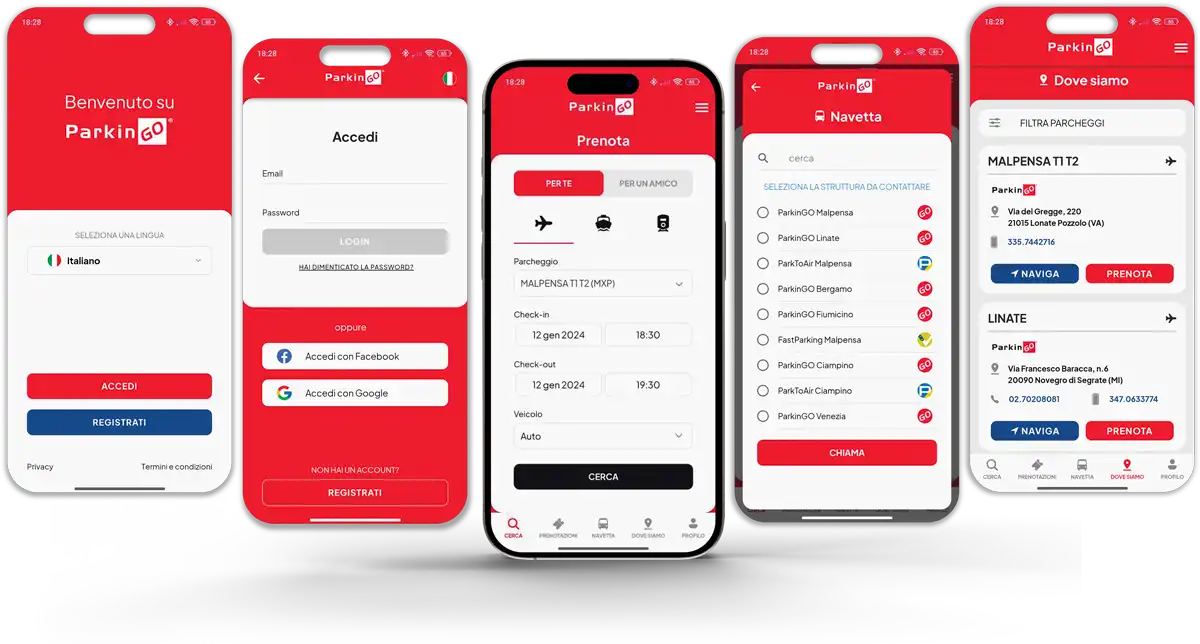
What you can do with the ParkinGO App
So many features to help you manage your ParkinGO experience at its best. Book a parking stay or call the shuttle when you return—everything directly from your smartphone.

BOOK AND PAY FOR YOUR PARKING
With the ParkinGO app, you can book and pay for your parking conveniently On The GO.

MANAGE YOUR BOOKINGS
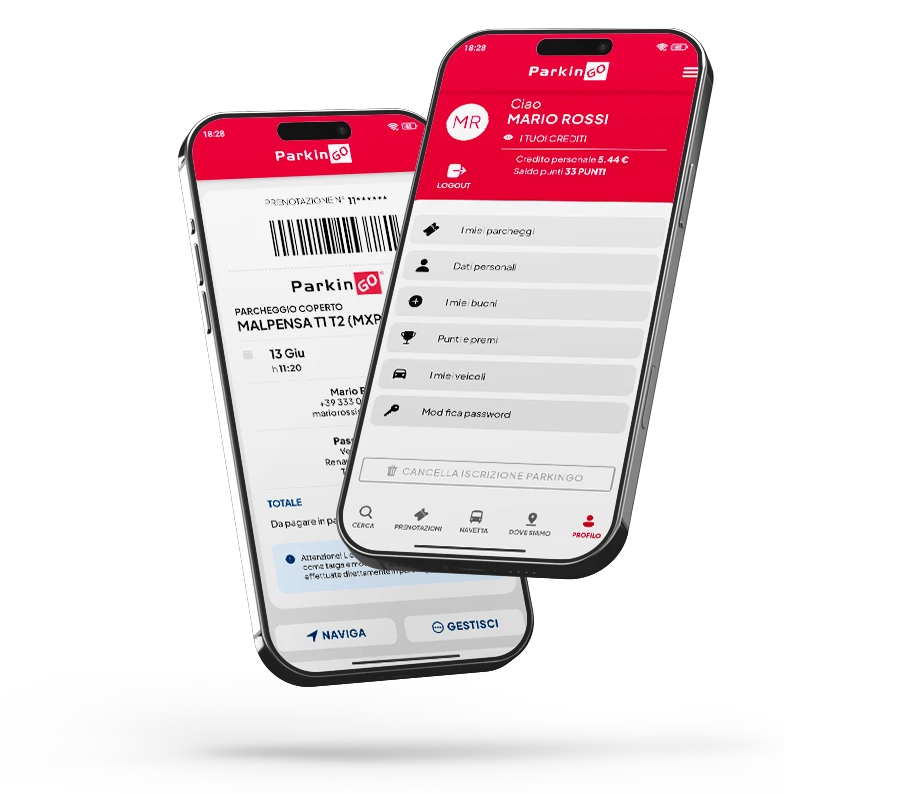
All past and future bookings, neatly organized so you can easily manage them on mobile.

NAVIGATE TO OUR CAR PARKS
Start your navigation with the destination already set to reach ParkinGO easily.

EARN POINTS AND REWARDS
Each booking lets you earn points you can redeem for rewards such as services and parking vouchers.

USE YOUR CREDITS
Do you have ParkinGO credit? With the app you can use it! Decide whether to apply your credit or pay by credit card or PayPal.

ADD SERVICES TO YOUR PARKING STAY
Need a car wash or EV charging? With the app you can add it during booking.

CALL THE SHUTTLE
With the ParkinGO app you no longer need to look for the phone number on the receipt—just press the “call the shuttle” button.

FIND OUR CAR PARKS
If you’re not sure whether ParkinGO is available at your departure airport, you can check!

MANAGE YOUR ACCOUNT
Complete or edit your account so you don’t have to enter your details every time you book.
How to book from the app
5 steps to start your trip in the best way. Open the ParkinGO app, enter your details and book. Easy, right?
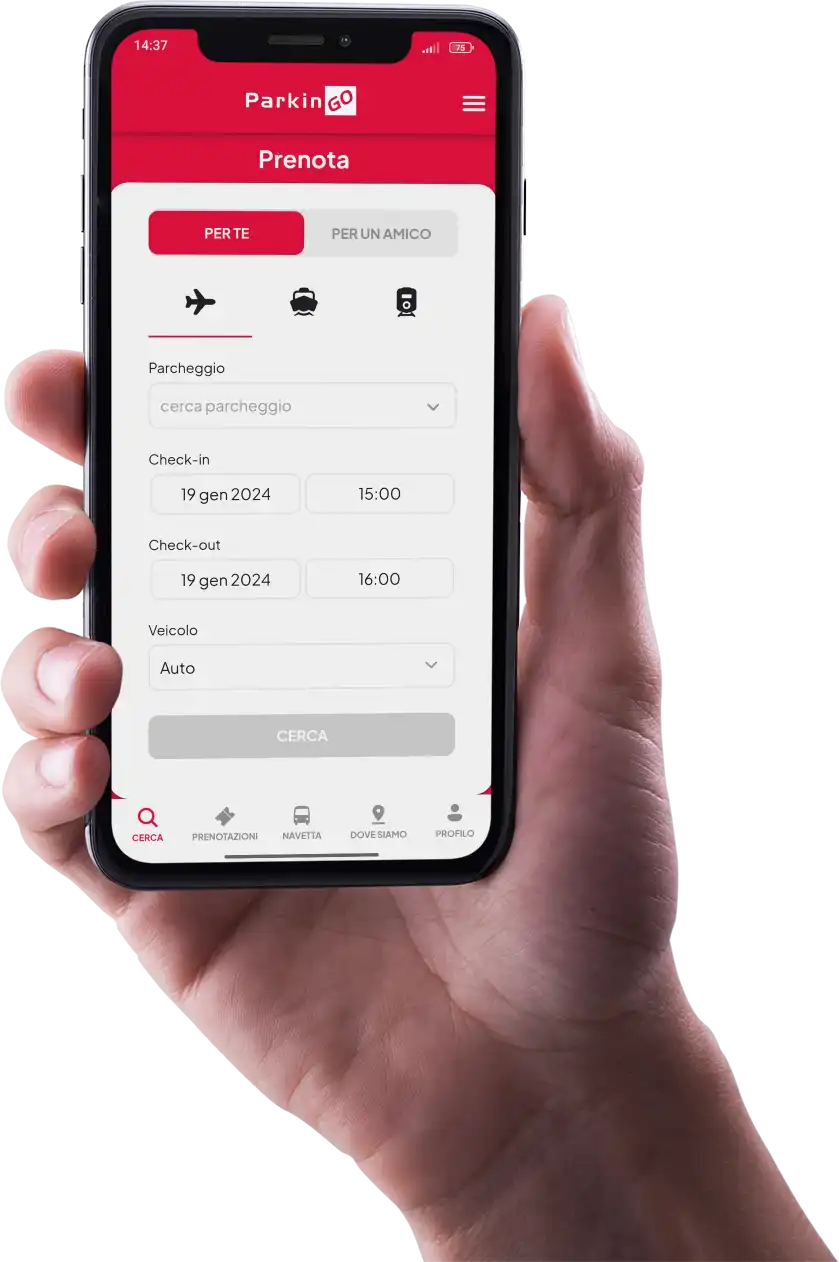
- SELECT CAR PARK, DATES AND VEHICLE AND START THE SEARCH
- SELECT THE CAR PARK THAT MEETS YOUR NEEDS FROM THE LIST OF OUR OPTIONS
- CHOOSE WHETHER TO PAY ONLINE OR DIRECTLY AT THE CAR PARK
- ADD SERVICES TO YOUR PARKING STAY, OR PROCEED WITH THE ORDER
- CONFIRM YOUR DETAILS AND PROCEED TO PAYMENT
